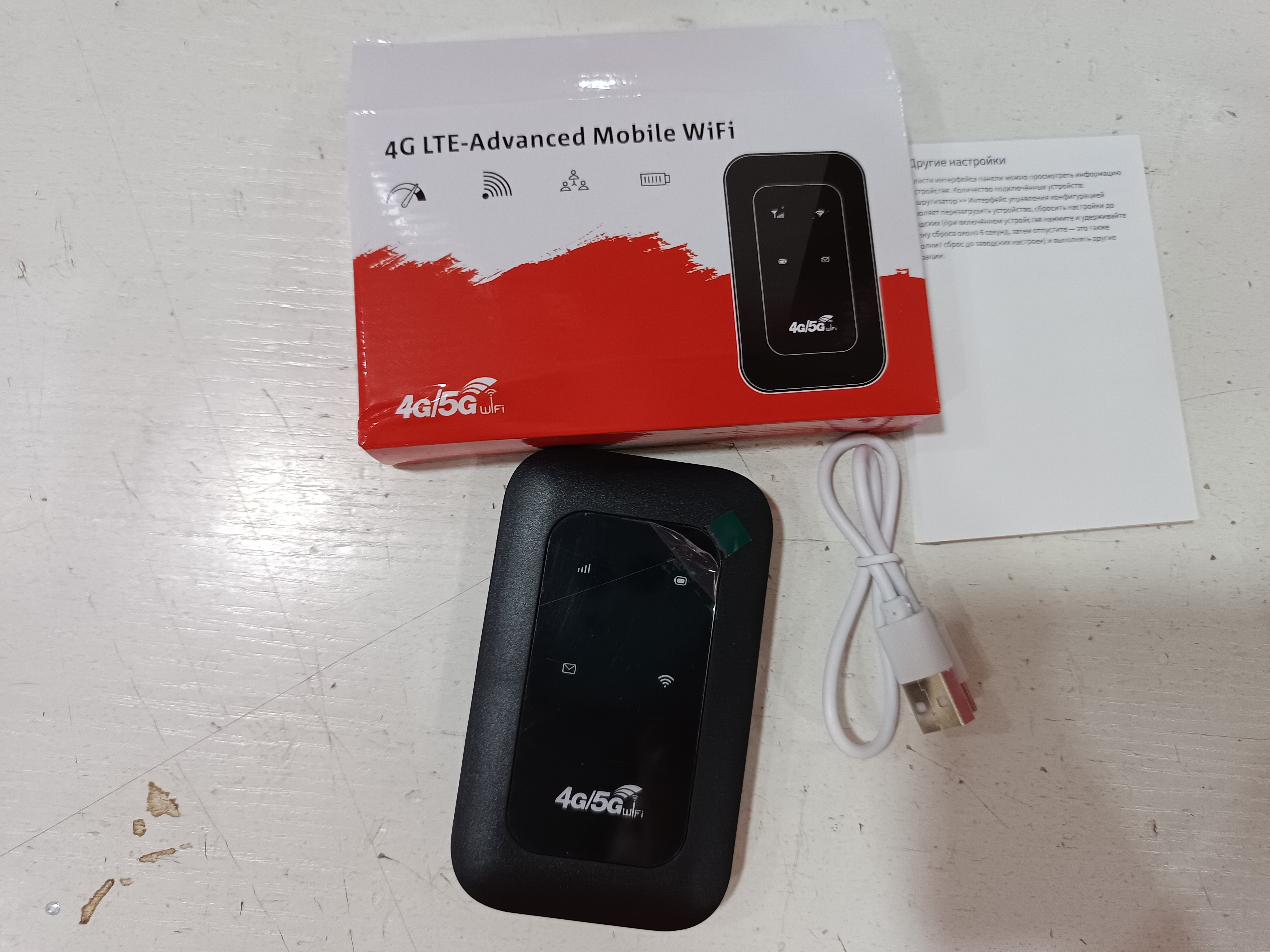
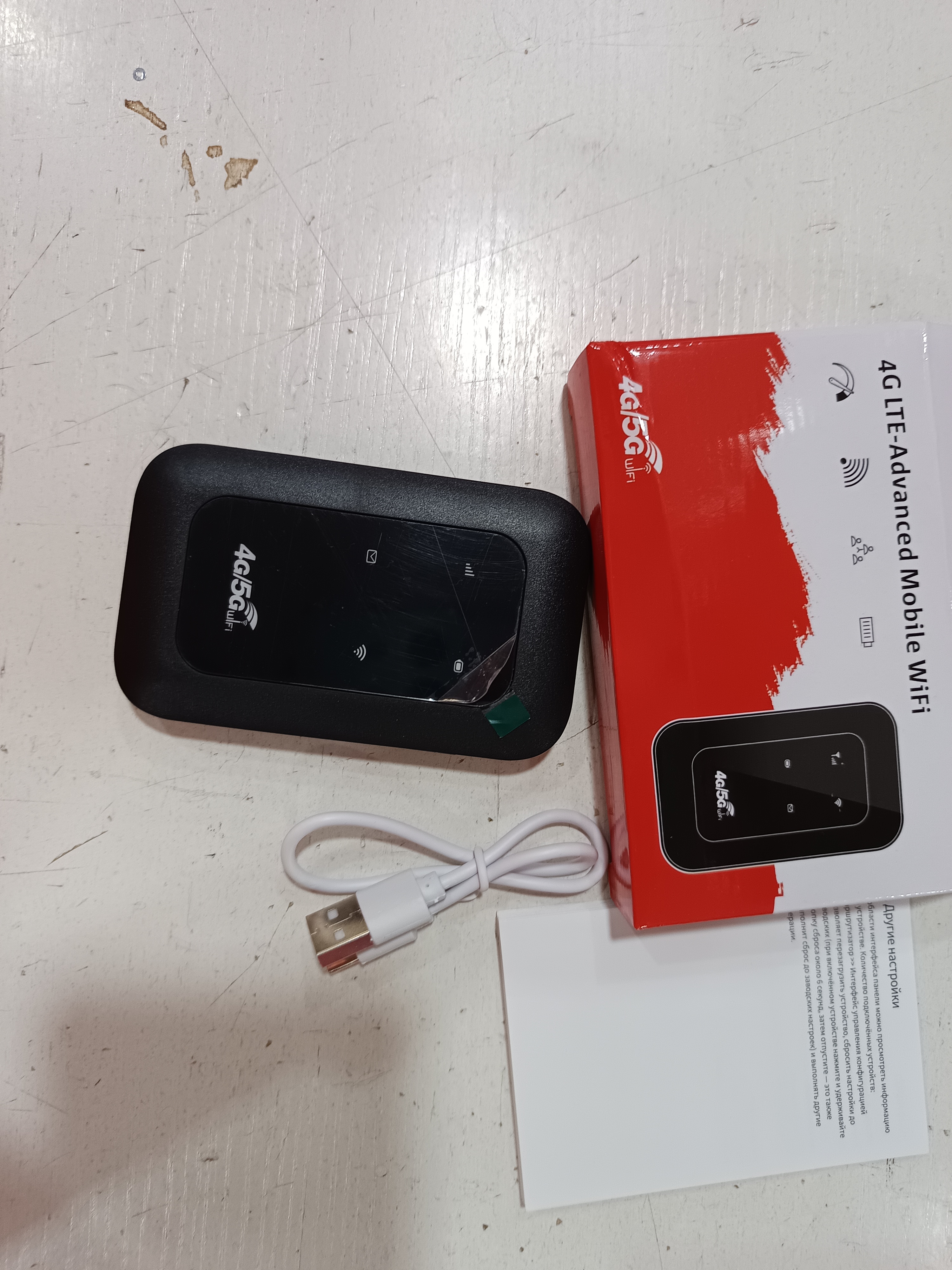
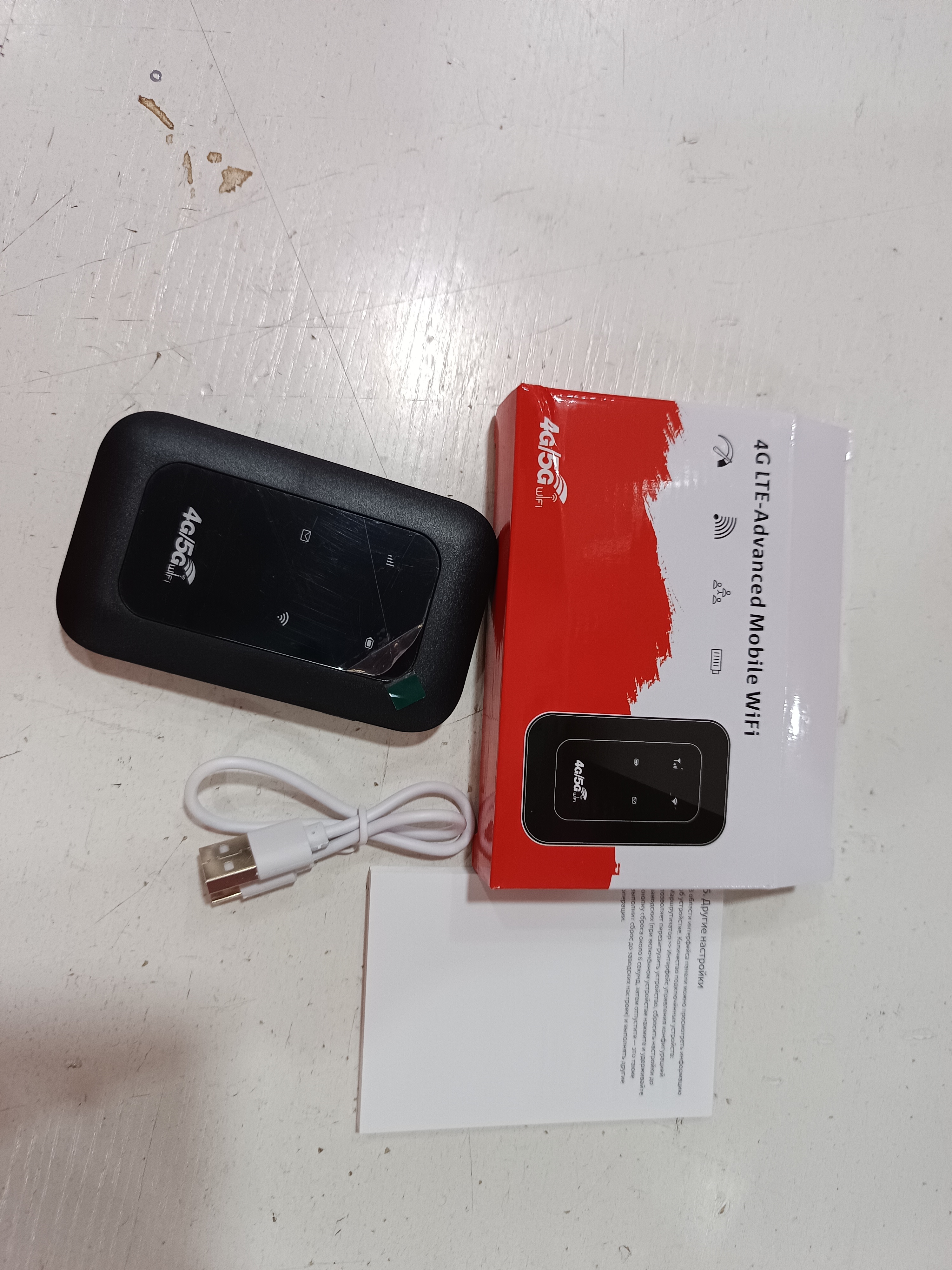
4G LTE Portable WiFi Router 150Mbps | Mobile Hotspot
Keep compatible devices connected beyond your main router with the H808 portable 4G LTE WiFi router. Its compact format is designed for flexible internet access at home, while travelling, or as a backup connection.
KEY FEATURES
• Portable 4G LTE mobile WiFi router
• Supplier-stated transmission rate of up to 150Mbps
• USB interface with driver-free operation
• Supports Windows, Mac OS, Linux, and Android according to supplier information
• Suitable for desktop, notebook, and tablet use
• Works without an included SIM card
PRODUCT DETAILS
• Model: H808
• Network type: 4G
• Transmission rate: Supplier-stated 150Mbps
• SIM card: Not included
• Interface type: USB
• Driver requirement: Driver-free
• Supported systems: Linux, Android, Windows, Mac OS
• Applicable devices: Desktop, notebook, tablet
• Product size: 98 × 59 × 14.8 mm
• Material: Supplier lists “Others”, exact material not specified
• Battery: Battery included according to supplier information
• Package size: 180 × 150 × 30 mm or 180 × 150 × 50 mm, confirm final version before publishing
PACKAGE INCLUDES
• H808 mobile router × 1
• Battery and manual are indicated in supplier information
• Exact final box contents should be confirmed before publishing
PLEASE NOTE
• A compatible SIM card is required and is not included.
• Mobile-network bands, SIM format, and carrier compatibility vary by country and provider.
• Some third-party customers reported a protective insulating film on the battery contacts. If present, remove it before charging or powering on.
• If the device connects to WiFi but has no internet access, your mobile provider’s APN settings may need to be entered through the device settings.
• Follow the included manual and your mobile provider’s APN instructions. Exact settings-page address and login details are not supplied.
HOW TO START
1. Open the battery compartment if required and check for a protective film over the battery contacts.
2. Remove the protective film if present, then fit the battery correctly.
3. Insert an activated compatible SIM card. A SIM card is not included.
4. Charge the device using its supported charging connection before first use.
5. Turn on the router and connect your phone, tablet, or computer to its WiFi network using the device information or included manual.
6. If there is no internet connection, confirm that mobile data is active on your SIM.
7. If needed, ask your mobile provider for the correct APN settings and enter them through the router’s settings interface.
Product Image:
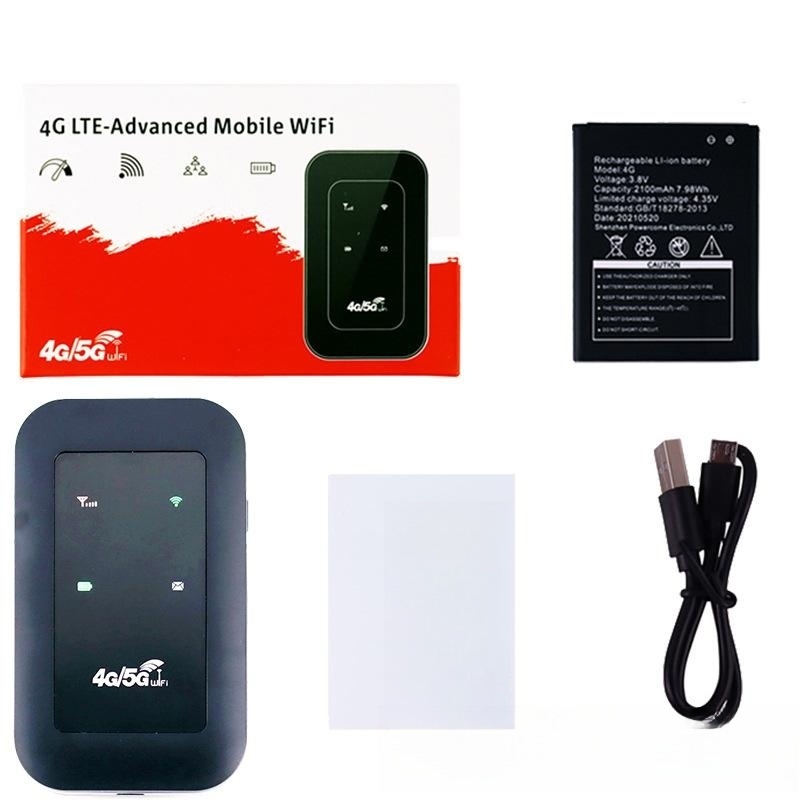
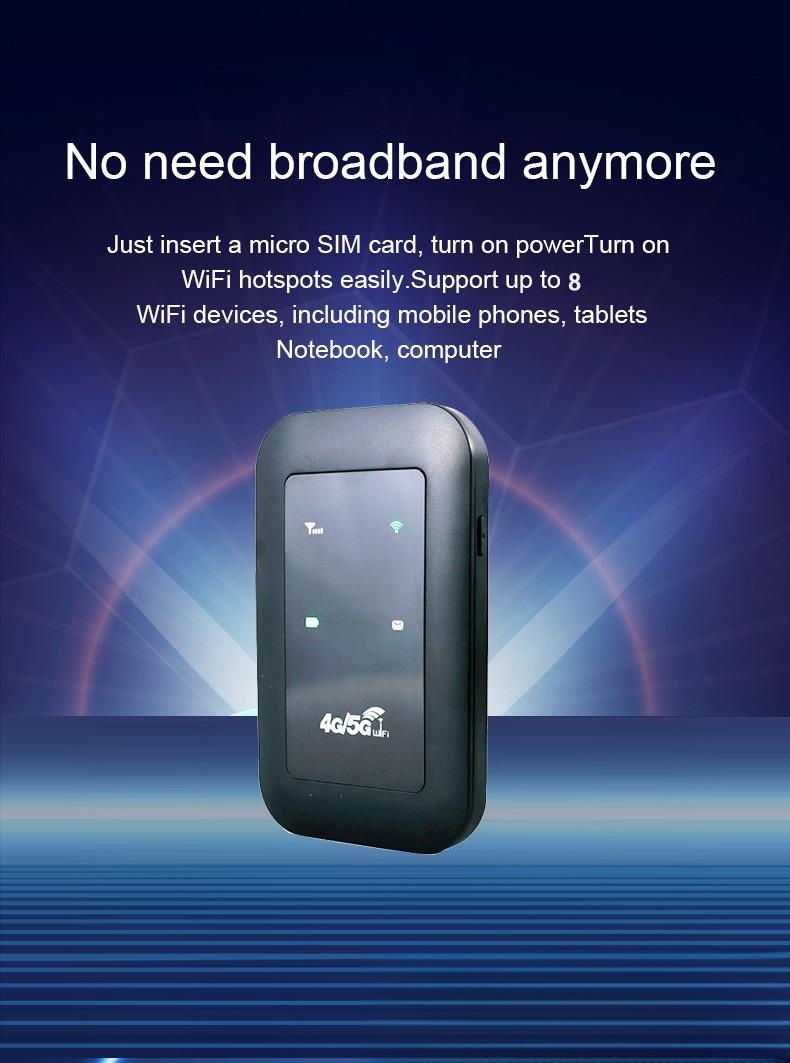
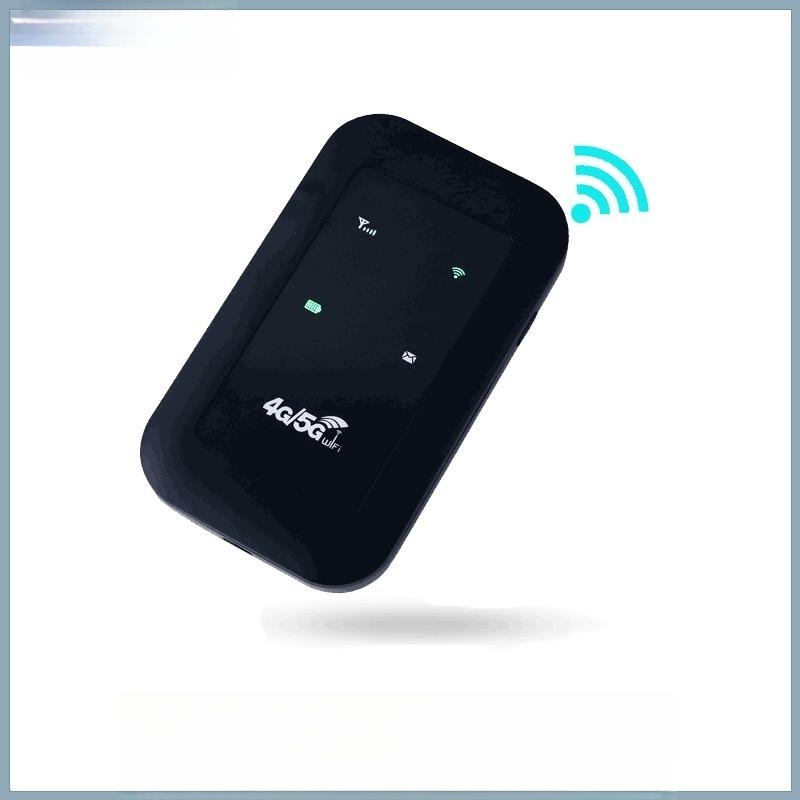
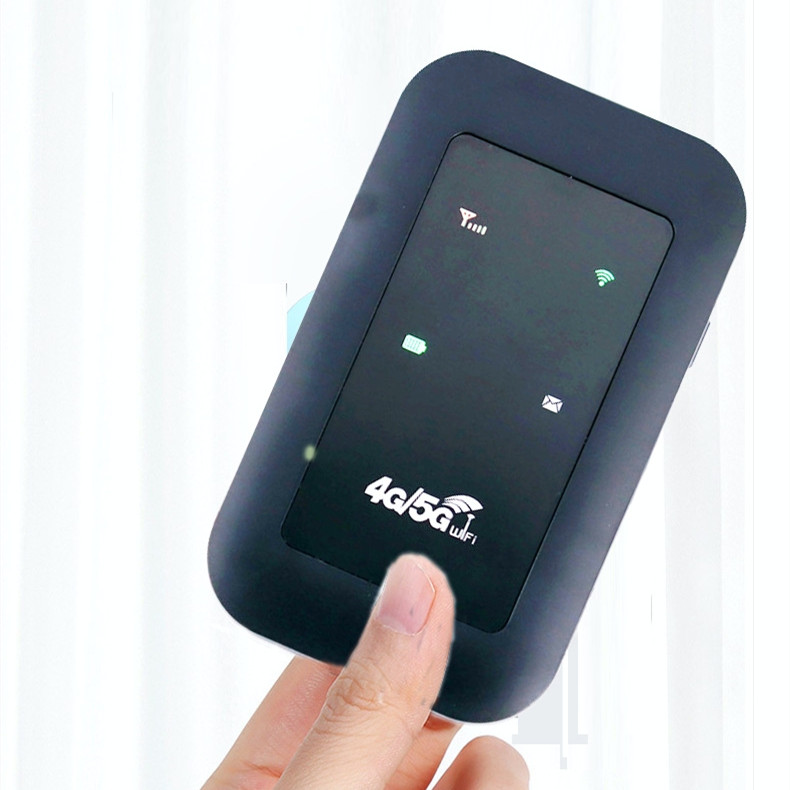
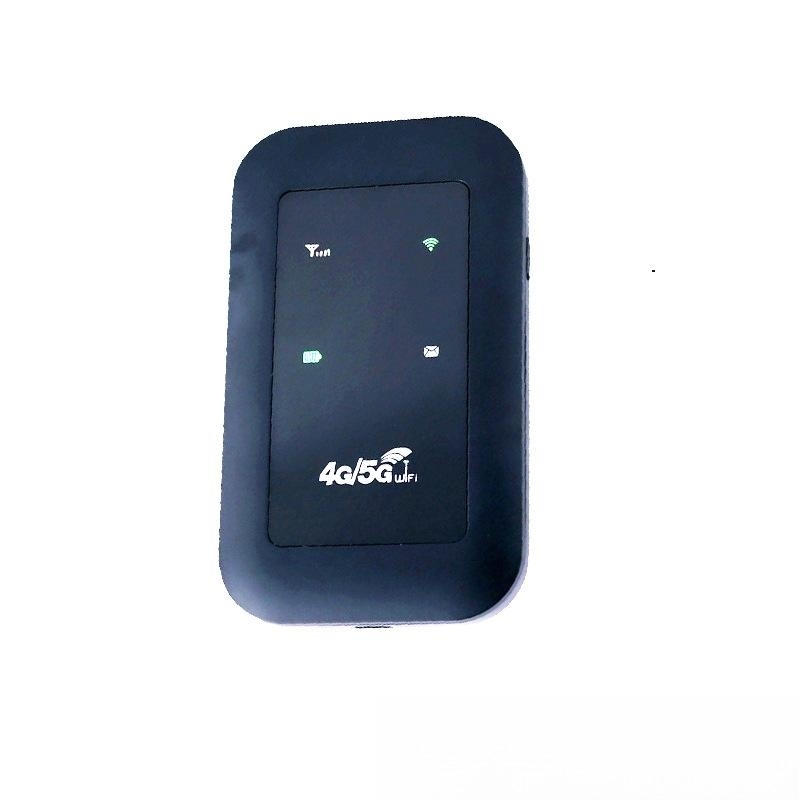
Actual Product Photo